Didn't find what you were looking for?
We have advanced search options to make it easier to locate posts, questions and answers on this community.
More information can be found at Advanced Search Options
If you are looking for something specific, please check if someone else has already asked or answered the same question.
Server error

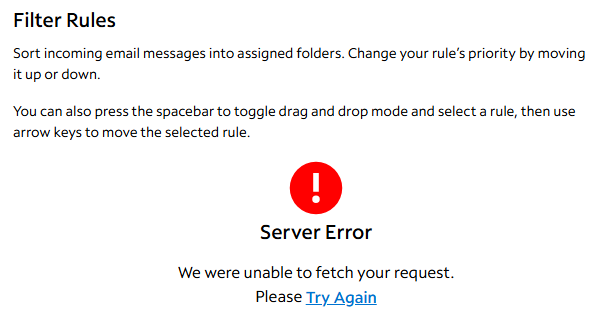
When I go to my spam filters, it gives me this message:
- Server Error
- We were unable to fetch your request.
- Please try again.
Can you help?
Comments
-
Hello @Joseph2112
Are you getting that error when you are using the webmail portal in a browser or are you using a third party app such as Thunderbird or Microsoft Outlook?
0 -
Chime on my phone.
0 -
Third party email issues would need to be addressed with the third party app or provider for troubleshooting.
We are only able to support email issues on the Spectrum webmail platform.
Thanks!
0 -
I meant to type Chrome, this is directly on the website.
0 -
Thank you. I do see that you were experiencing issues with the email filters recently as well. Is this happening on that same email or a different one?
0 -
This is a different email and is the same thing that happened with my other one.
0 -
Will you please try from a different device?
0 -
This is from a desktop/Edge browser.
 0
0 -
- Try it with all applicable ad blockers, browser extensions, and firewalls temporarily disabled.
- Then also try it via the cellular network instead.
🔗
0 -
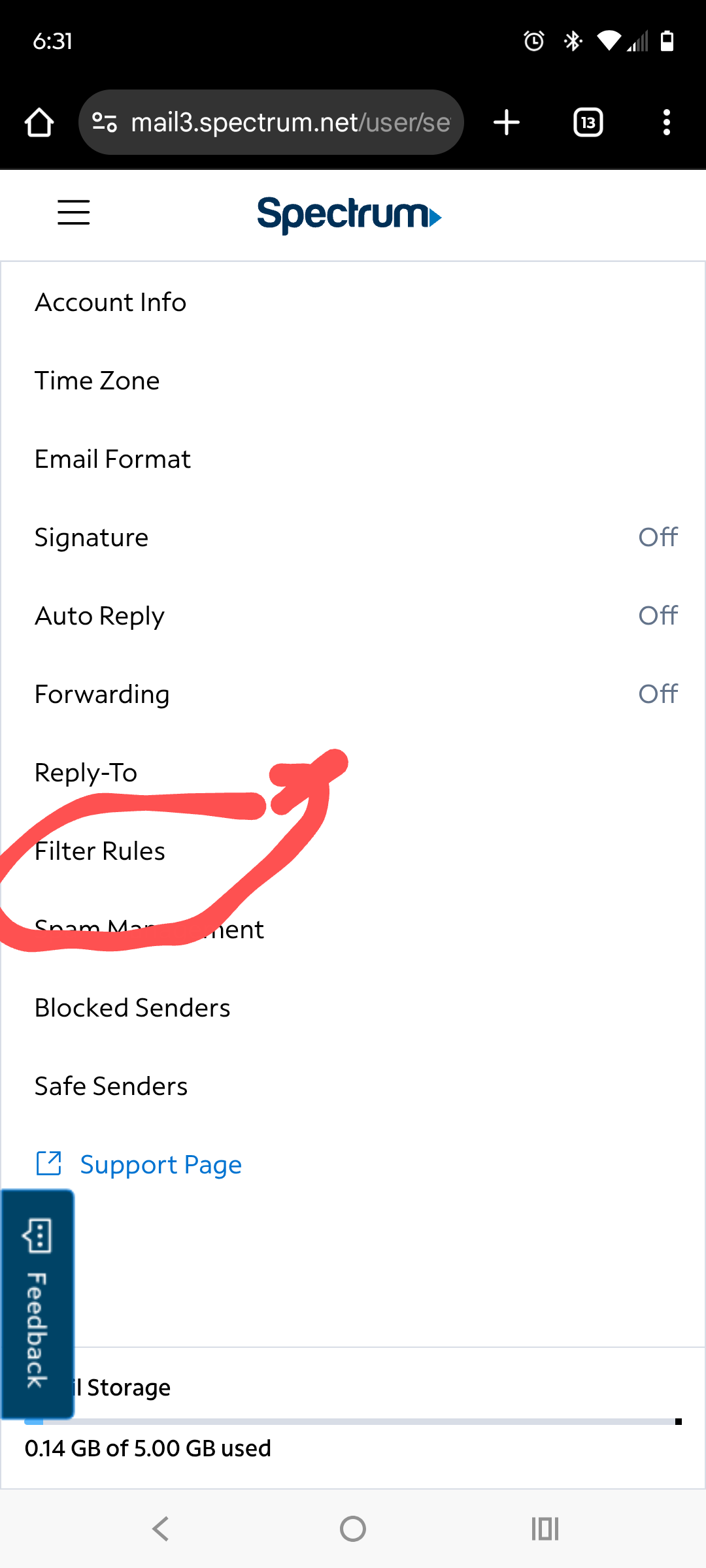
This isn't it. It works fine on my other account and I'm trying to get to it from here....
 0
0 -
Hello @Joseph2112;
I ran a repair on the mailbox. This may restore the filters to normal. Please try it again to see if you can access it again.
0 -
Thank you, bit it is still giving me the same message.
0 -
Hello @Joseph2112;
I did the repair on your account that was linked to this profile. Was the affected email account the one linked to your profile here or one of your other accounts. If it is one of your other accounts then just provide the first 3 letters of your account and we will run the repair on the affected email account.
0 -
The affected email is the jos account.
0 -
Have you had the opportunity to clear your browser history? If not, can you please do so? You can also power cycle the modem and wireless router as the equipment is currently showing an online time of more the 40 days since a reboot has been completed. Refreshing your device's connection may resolve the issue.
0 -
This is from my phone and a laptop, multiple browsers and multiple connections (ie home Internet and 5g cellular). I've also tried multiple browsers on my phone to include the "in private" option.
0 -
You can also power cycle the modem and wireless router as the equipment is currently showing an online time of more the 40 days since a reboot has been completed.
Thanks!
0 -
Does my wireless router and modem have anything to do with your email server?
0