how do I activate my spectrum apps

Mikeruby
Posts: 1 Rookie
0
Best Answer
-
•go to spectrum.net
•Sign in
•Go to either “services” and select tv/ streaming OR if on the Home Screen click the box that says “manage tv/streaming “
•There will be a section that says “ All Your Streaming Apps All In On Place” click on “manage streaming “
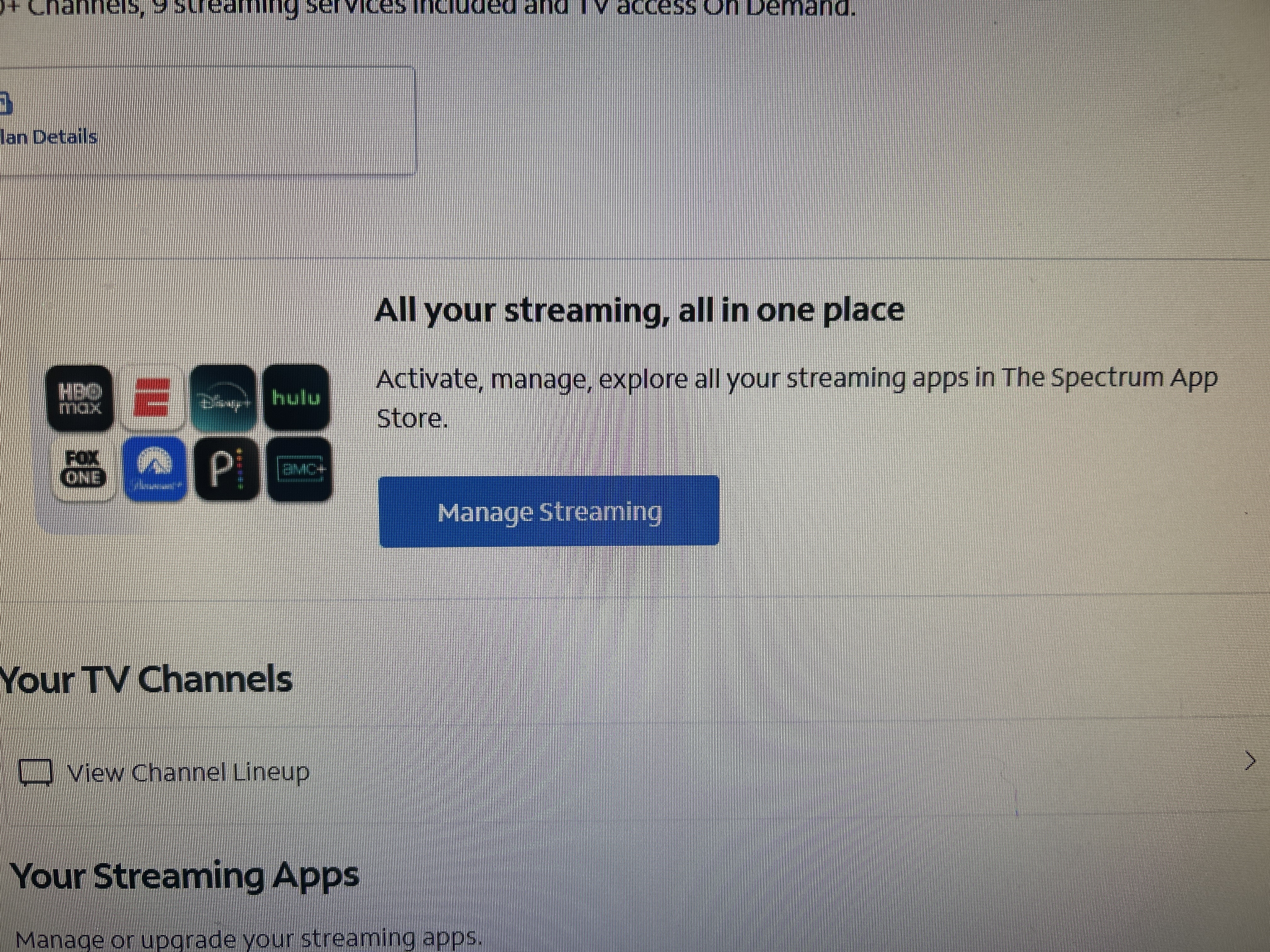
•When it loads the next page. Click on the app you want to activate and follow the prompts on what it asks you to do.
make sure to write down any user names or passwords you create , since Spectrum will not know any of this information•once All of your apps are successfully activated, you may now go to your devices with the username and password you have created and sign in on each individual device
hope this helps :)2
Answers
-
This content has been removed.
This discussion has been closed.