Didn't find what you were looking for?
We have advanced search options to make it easier to locate posts, questions and answers on this community.
More information can be found at Advanced Search Options
If you are looking for something specific, please check if someone else has already asked or answered the same question.
How do I get my modem/router to stay on 5g

My internet keeps dropping 5g and going to 2.4
Answers
-
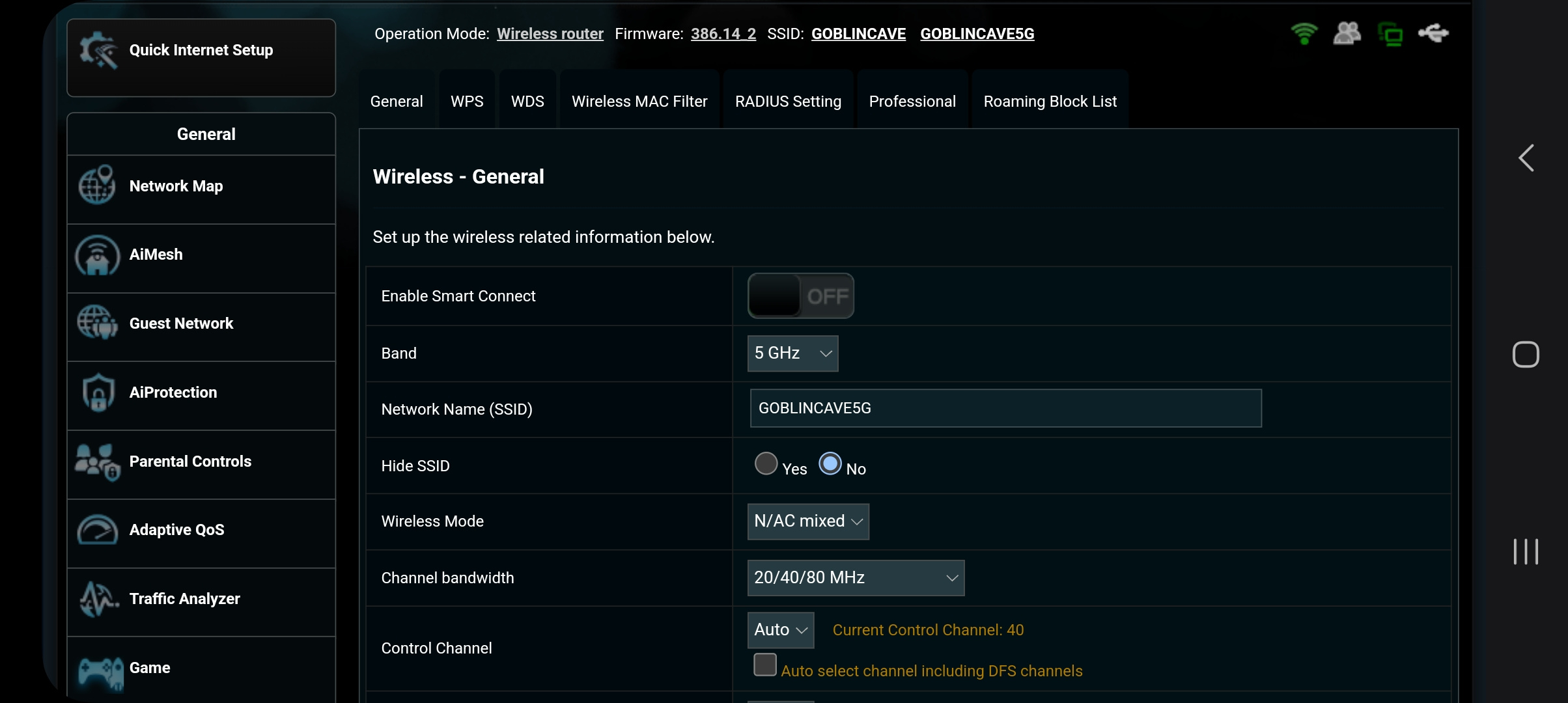
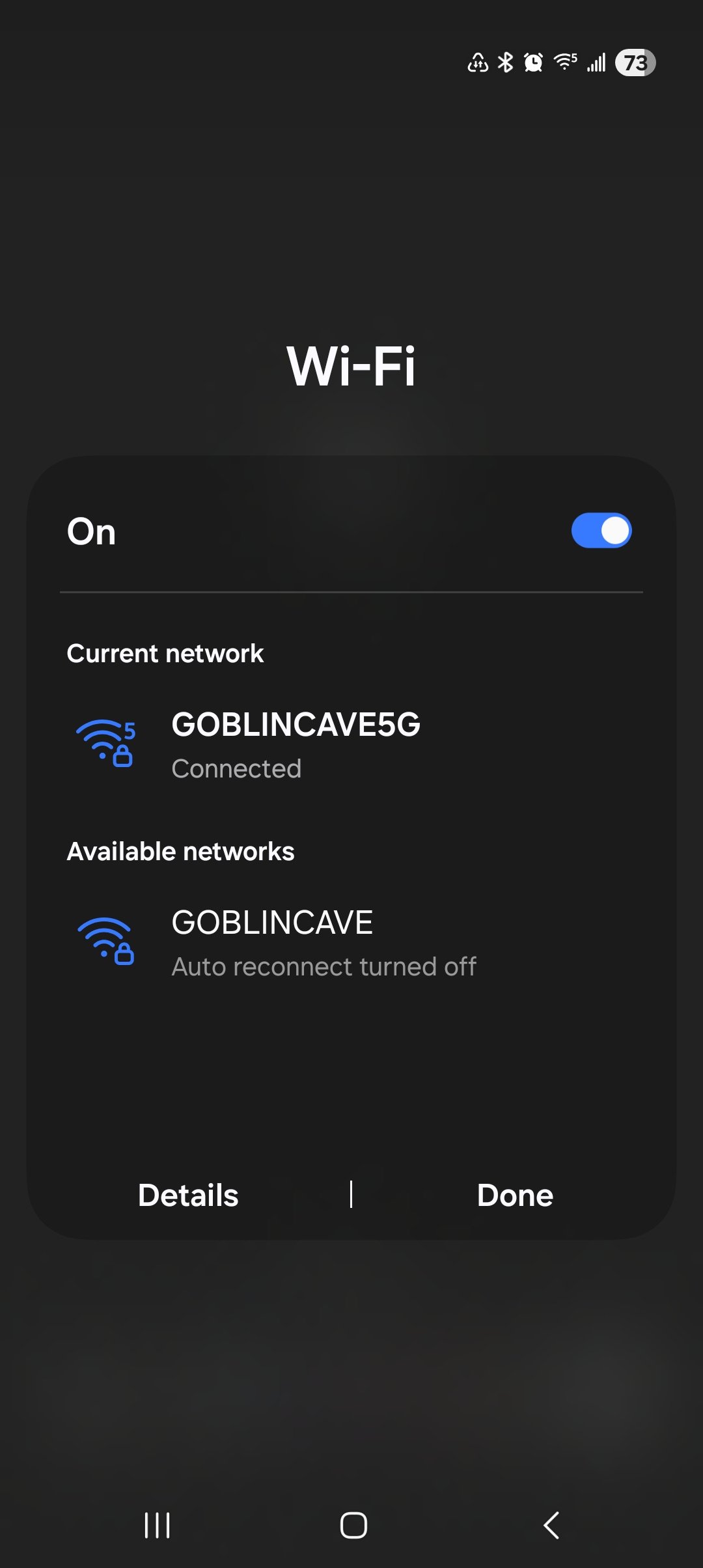
I rename the SSID's for the radios in the router settings so that I can pick the one I want to use and set that one to Auto reconnect on the device.
 0
0 -
 0
0 -
Hello @wwrightstown!
Welcome to our community page and thank you for your question! I'd be more than happy to assist with this and apologize for any frustrations this is causing. To confirm, I was able to access the account using the email provided during registration and can confirm that everything is primarily connected to the 5G network. Are you experiencing this issue with one device only or multiple? For the most part, the router will automatically connect the devices to the 5G network, but you do have the option to steer device to the 2G network, using the band-steering feature in the My Spectrum app. You can also find more information on that topic here, .
0