Ever since I got my Spectrum router, my home network has had some issues

Before my Linksys router died, my home network which consists of 2
Windows 11 PC's and 4 Samsung smart tv's was working fine. But after
Spectrum sent me a new router, the file sharing and some other pieces of
the network have been troublesome.
- The Samsung TV's
regularly cannot detect my laptop, which has numerous media files which
are part of a Smartshare media sharing setup. My desktop also has
Smartshare and the TV's detect it just fine. I had set this up with
Network Discovery and File Sharing plus designating my network as
Private, but the only change was the Spectrum router - In
addition, in File Explorer on the Desktop, the laptop computer is shown,
but when I click on it to access the files, I get the following error:
You do not have permission to access this device. Contact your network administrator. I guess that's me :-)
Since
the only change is the router, I'm guessing that something in the
router hardware or firmware isn't properly handling a network like mine.
And unlike the Linksys router which had a user interface that allowed
the user to change options, the Spectrum router is a black box.
Spectrum
support admitted that they have no way to tweak the router settings.
Their only "solution" is to ship me a new router.
Has anyone else had similar issues involving network sharing?
This post somehow got entered under a new id instead of my existing tgordon2 id. I'll try to get the other post deleted. please respond to this one
Comments
-
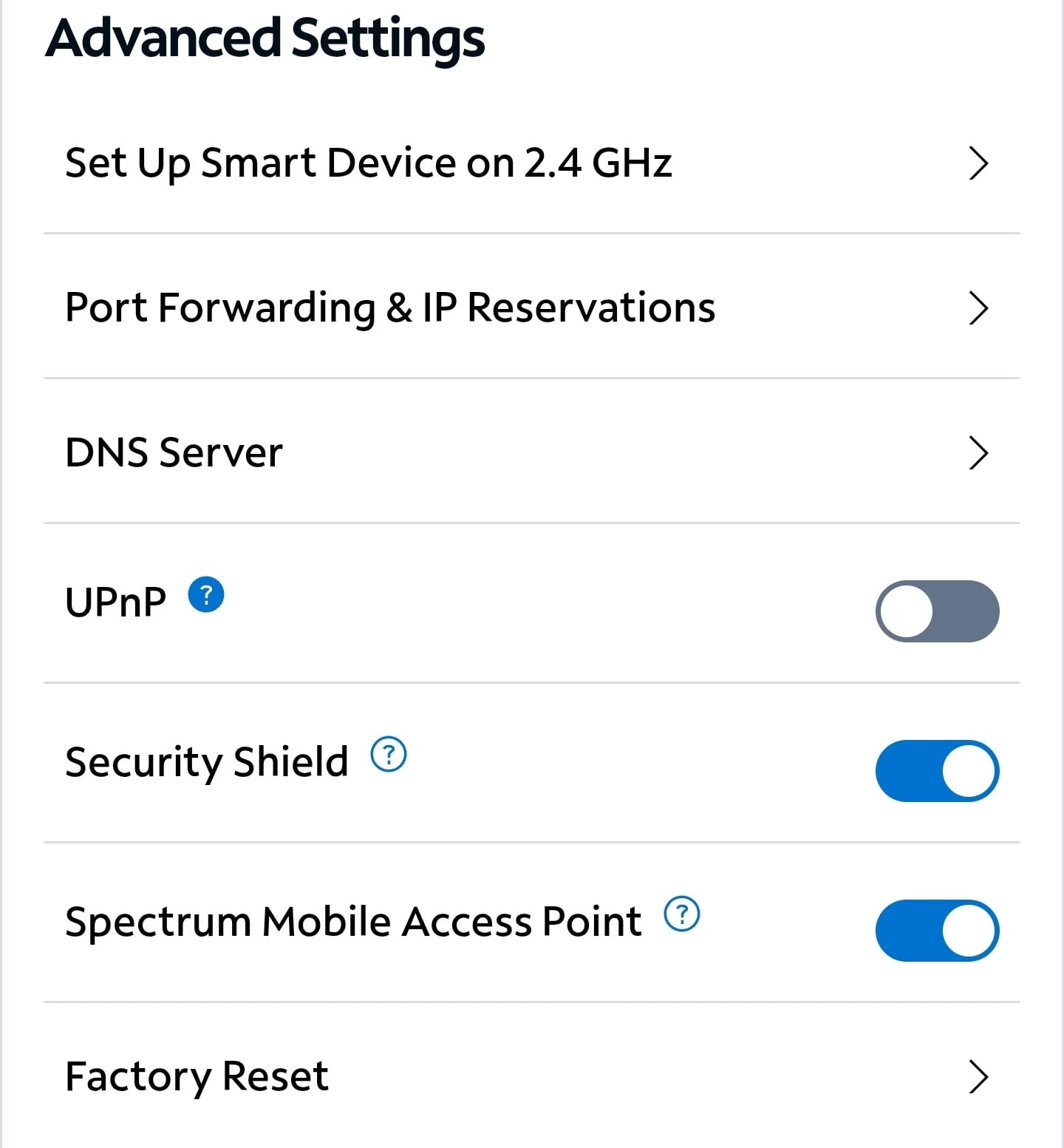
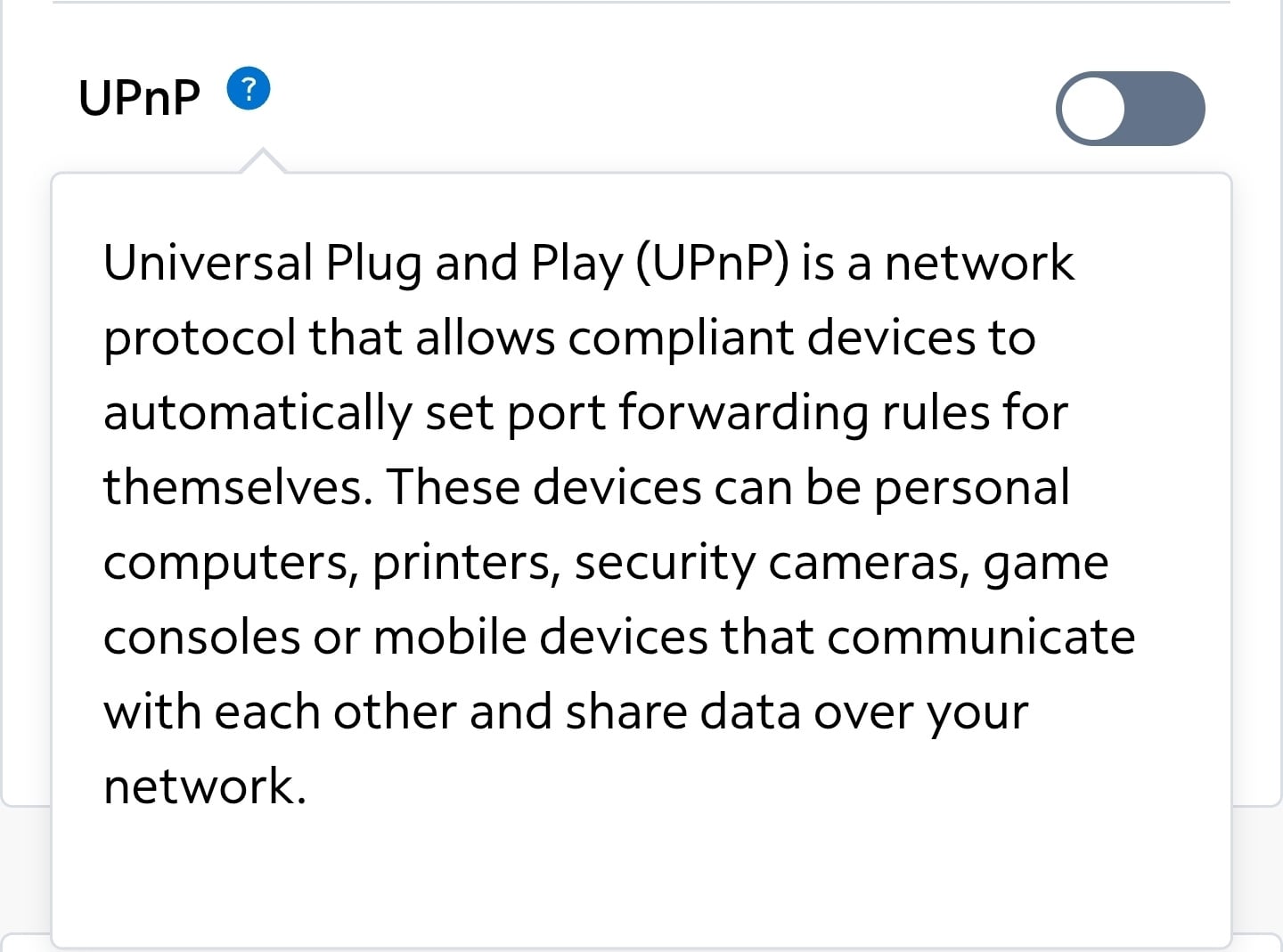
Have you tried any of the Advanced settings available to you within the My Spectrum App or spectrum.net, like UPnP?
 1
1 -
Yes, and the UPnP option is on.
0